Forge Power
Your crafting energy. It comes back over time, and you can get more from the top bar.
Here is a simple guide to crafting gear, finding materials, exploring biomes, using your vault, and powering up your hero.
Example craft
Quick lookWhere you place materials matters. Try a few patterns and check the Codex when you learn something new.
Your crafting energy. It comes back over time, and you can get more from the top bar.
Sparkly pieces you can spend. Get them by scrapping extra items and finishing quests.
Things like wood, stone, and gems. Put them in the forge to make new gear.
Your treasure chest for crafted items. Keep favorites, wear gear, or scrap extras.
Crafting
Crafting is like a little puzzle. Pick materials, place them on the forge, spend Forge Power, and open what you made.
Boost
Craft Boost is a bigger craft attempt. It costs more Forge Power, but it helps your craft aim higher.
Power Cost
 1.5x
1.5xBoosted crafts use more Forge Power than normal crafts.
Rarity Chance
Doubles the chance of a higher rarity. If you have already discovered that variant, Boost forges it every time.
Rarity
Item colors show how special an item is. Higher rarity items are harder to find and usually worth a closer look.
Some results are best turned into shards. Shards are useful, so even extra items can help.
Hero
Your hero can wear or hold many kinds of crafted gear.
Head, Torso, Main Hand, Off Hand, Hands, Legs, Feet, Accessory, Artifact
Materials and biomes
Biomes are places your explorer can visit. Send them out, wait for them to come back, and collect materials for your next craft.
Pick an open biome, choose a sealed material silhouette, then send your explorer.
Each material can help your crafts in different ways.
When the timer is done, your explorer can bring something back.
Account
Grand Master membership, cards, invoices, and your real-money purchase history live on the Account page.
Open it from the account menu in the top-right. You can subscribe, cancel, or manage billing through Stripe without leaving CraftBound first.
Actions
Here are the main things you will do while playing.
Place materials, craft, open the result, then keep it or scrap it.
Look at your items, sort them, make more room, and scrap extras.
Put crafted gear on your hero and swap it whenever you want.
Send your explorer out, wait for them to return, and collect materials.
Use Materials and the Codex to remember what you have found.
Finish daily, weekly, and challenge goals to get helpful prizes.
Add Forge Power, visit the shard shop, buy vault slots, or check upgrades.
Open Account to see your membership, purchase history, and billing.
Examples
A few quick pictures to help you remember where things are.
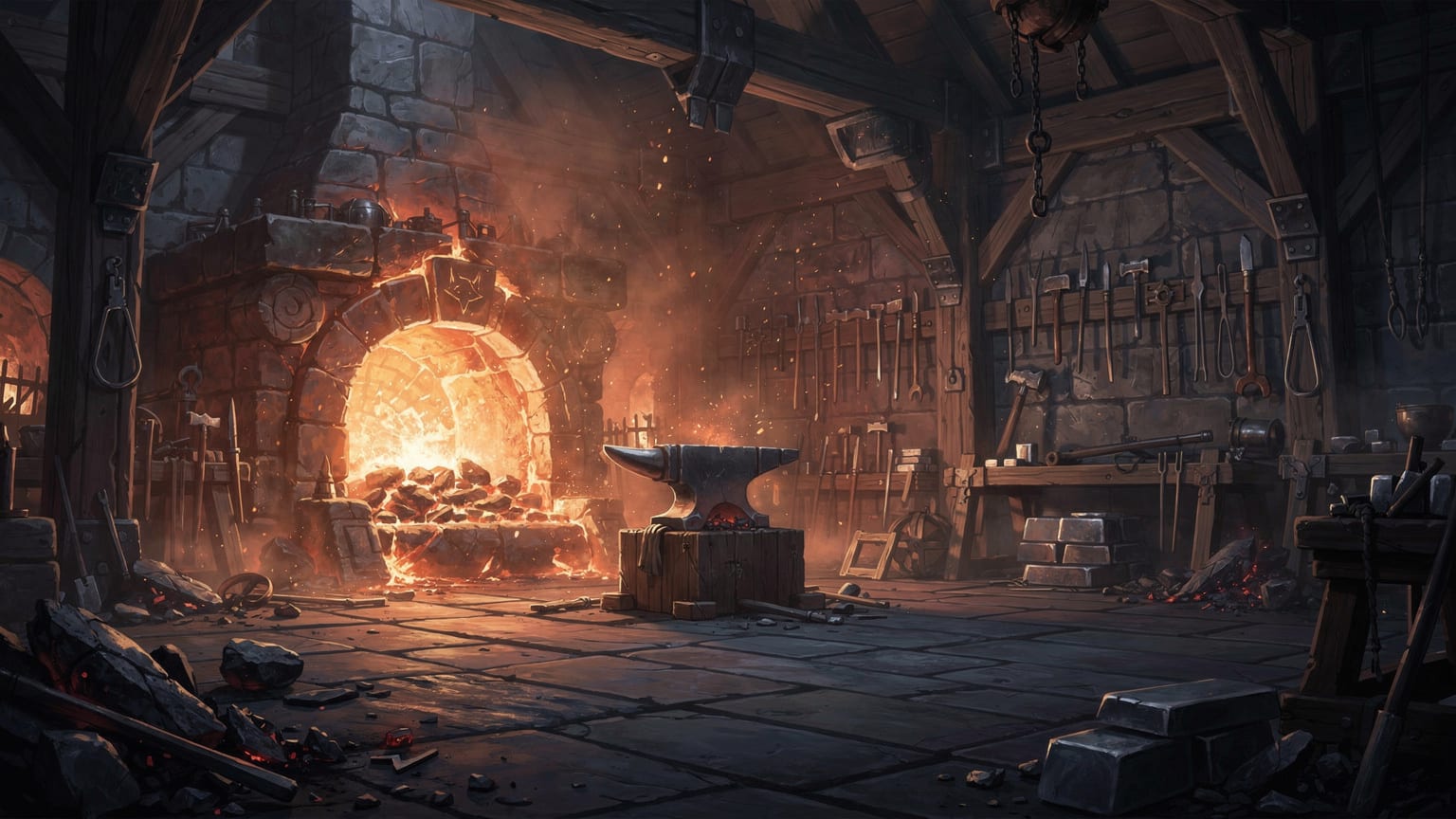
Tap the grid, choose materials, and see what you can make.

Send your explorer out to bring back useful finds.
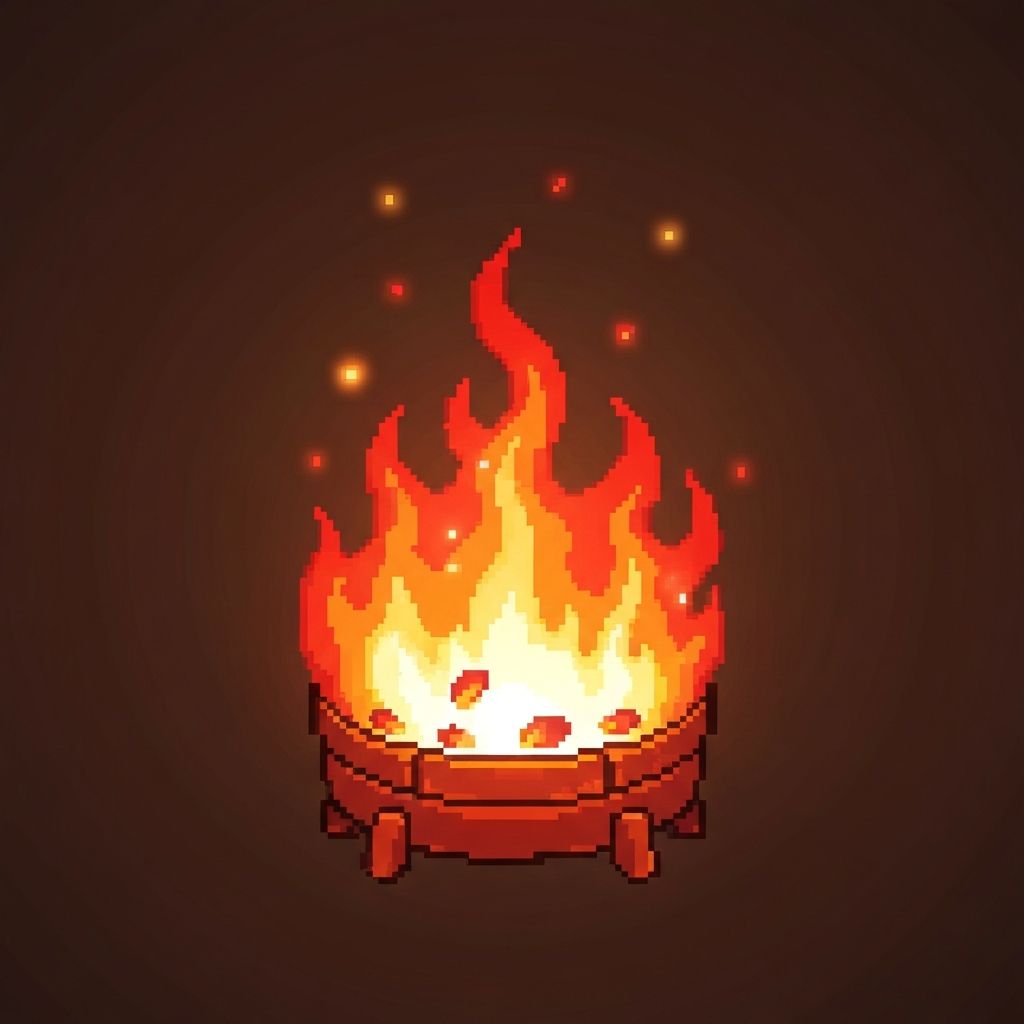
Forge Power lets you craft. Shards help with upgrades and purchases.
Ready to play
Come back here anytime you want a quick reminder.